Just Listed Facebook Ads: Examples, Copy and Setup (2026)
Examples, copy you can adapt, and the exact setup for a compliant just listed Facebook and Instagram ad.
Quick answer
A just listed Facebook ad pairs a photo carousel of the property with copy describing the home, not the buyer, and runs under Meta's Housing Special Ad Category. That means a minimum 15-mile radius, no ZIP targeting, and no age or gender targeting. Build creative for Feed (1:1 or 4:5) and Stories/Reels (9:16), set a daily budget you can sustain for the listing's first week or two, and route responses into a lead form or your listing page.
A just listed Facebook ad is one of the first things buyers in the area see when a new property comes to market. It reaches people actively browsing in your market, can generate buyer inquiries for the listing, and shows the seller that their home is being marketed beyond a yard sign and an MLS entry.
Why Just Listed Ads Get Attention
New inventory stands out. Buyers who have been watching a market for weeks notice a fresh listing, and Meta's delivery system tends to favor new creative in its first days of being shown. Running the ad while the listing is new keeps it in front of people who are actively looking right now.
Housing Special Ad Category Targeting
Any ad for a specific property runs under Meta's Special Ad Category for housing on Facebook and Instagram. That means: a minimum 15-mile radius around the listing (no ZIP code targeting), no age or gender targeting, and limited detailed targeting options. Lookalike Audiences are not available for housing ads, and Special Ad Audiences were discontinued in 2022. What does work: Custom Audiences built from your own first-party data, such as your contact list or people who have engaged with your Facebook or Instagram presence, plus Meta's Advantage+ and broad delivery tools, which let the algorithm find interested buyers within your allowed radius.
Budget Approach
There is no universal "right" budget for a just listed ad. Instead, use a method: set a daily spend you are comfortable sustaining for the first one to two weeks the listing is active, watch reach and engagement daily, and adjust up if the ad is still finding new people or down if delivery has plateaued. Pause or revise the campaign once the property goes under contract.
| Placement | Ratio | Size | Notes |
|---|---|---|---|
| Feed (Facebook & Instagram) | 1:1 or 4:5 | 1080x1080 or 1080x1350 px | Carousel of 4-6 photos performs well; lead with the strongest exterior or hero shot. |
| Stories & Reels | 9:16 | 1080x1920 px | Keep text in the safe zone; vertical video or a photo slideshow both work. |
| Carousel (multi-image) | 1:1 per card | 1080x1080 px per card | Order cards: exterior, kitchen, living space, primary bedroom or bath, outdoor space, neighborhood. |
Variant A: Feature-led
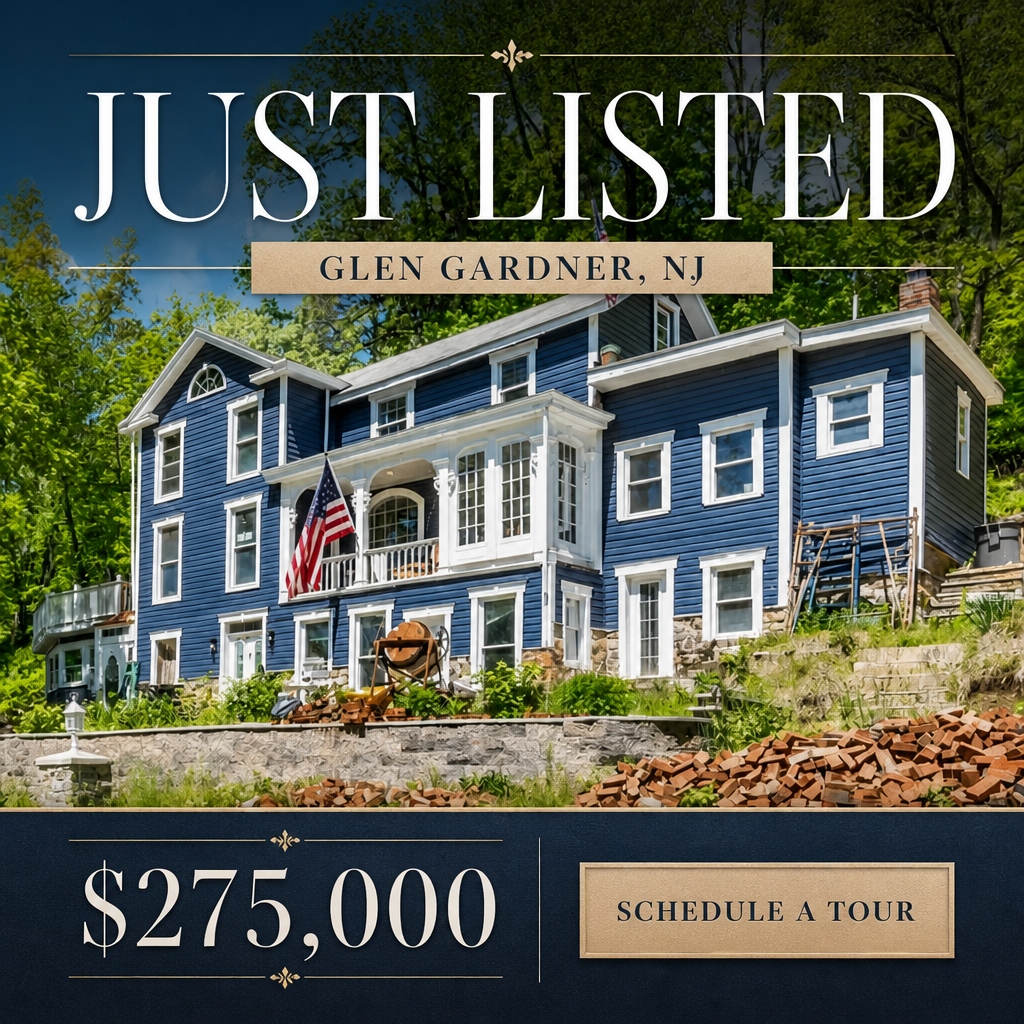
Illustrative exampleJust Listed in Glen Gardner
New to the market: a 4-bedroom home with an updated kitchen, a fenced backyard, and a two-car garage. Minutes from downtown. Full photos and details inside.
Schedule a private showing today.
Variant B: Lifestyle-led
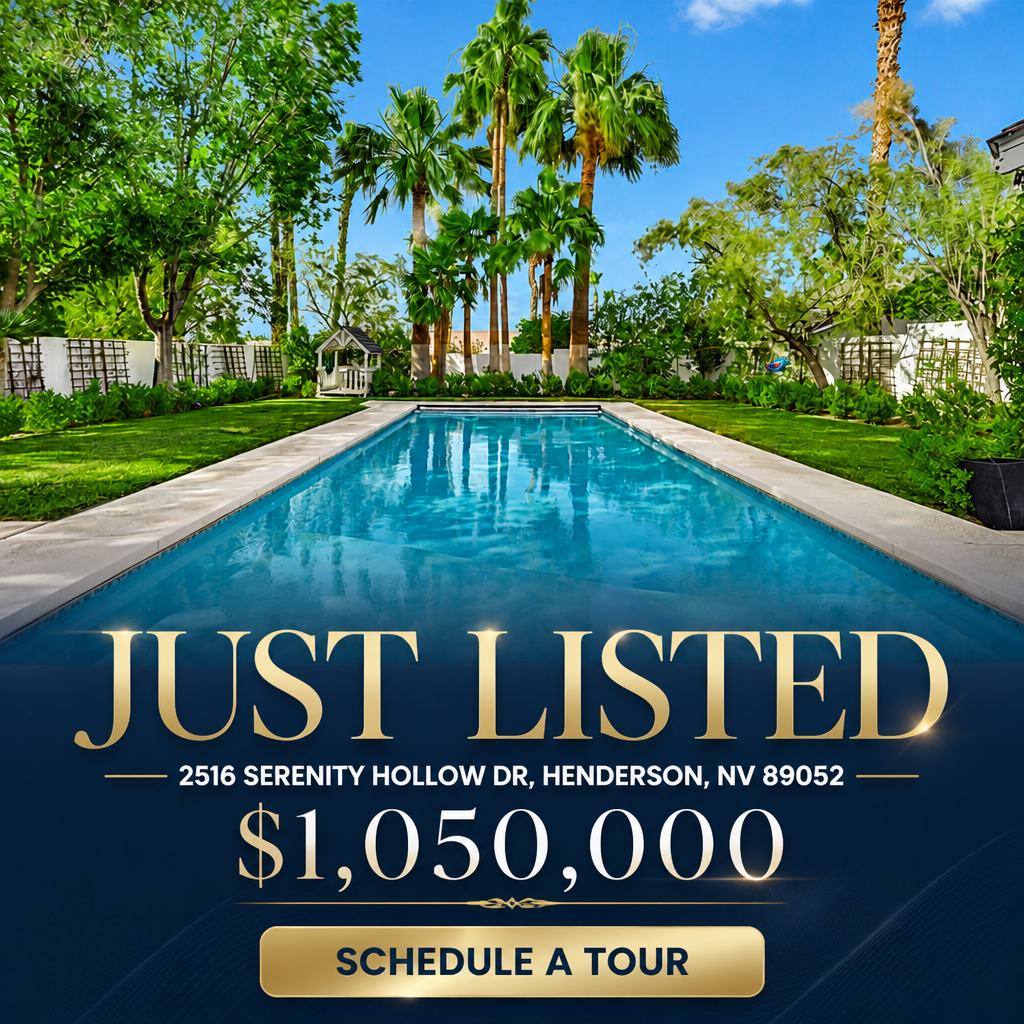
Illustrative exampleNew Listing, Prime Location
A move-in ready home with an open living and dining layout, a covered patio for outdoor gatherings, and a quiet street close to local shopping. Take a look.
See the full gallery and floor plan.
Variant C: Direct response
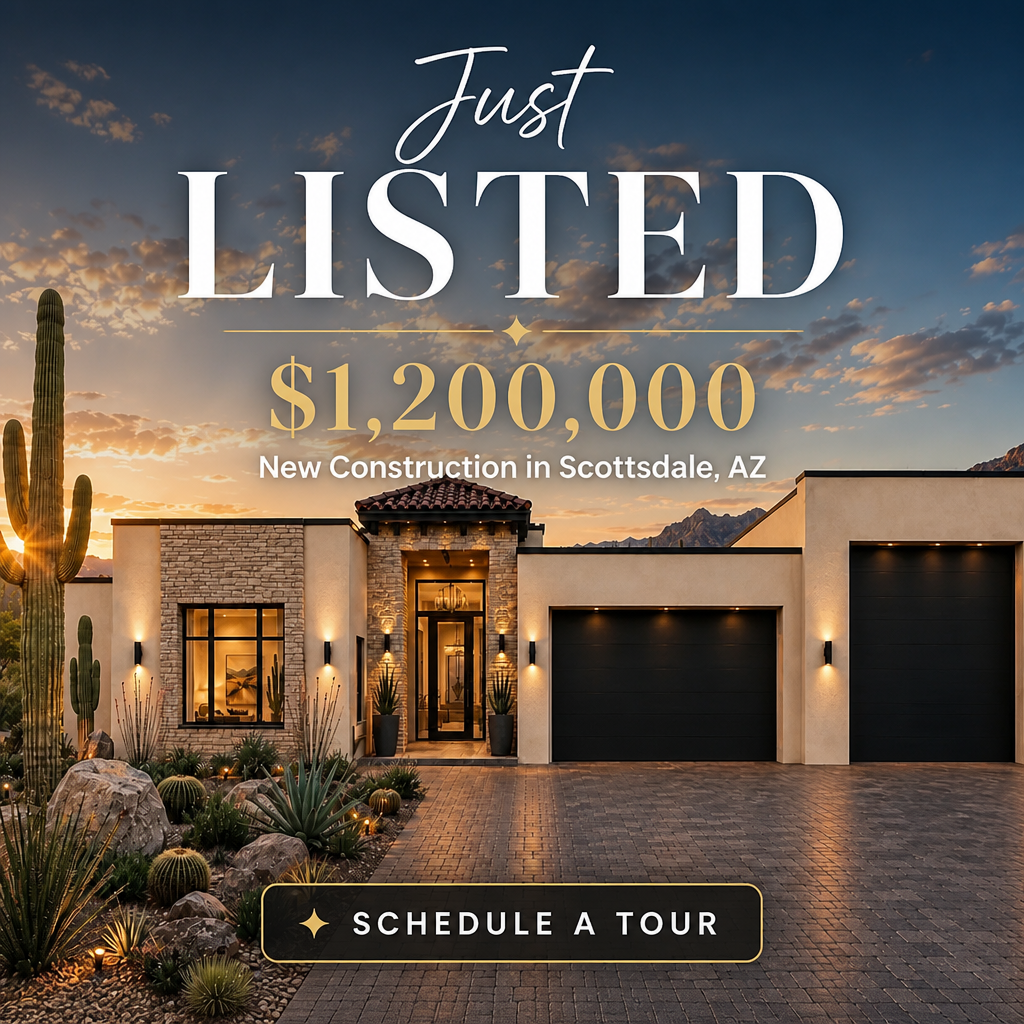
Illustrative exampleJust Listed: Get the Details First
This home just hit the market. Request full details, photos, and showing times before it is gone.
Get full listing details.
How to launch this in Walled Garden
- 1Paste the listing URL into Walled Garden, or enter the property details manually if there is no listing URL yet.
- 2Pick a just listed template in Creative Studio and swap in your photos, headline, and primary text.
- 3Review the targeting radius (minimum 15 miles, no ZIP targeting under Special Ad Category) and adjust it to fit your market.
- 4Approve the daily spend; media spend is paid directly to Meta.
- 5Launch the campaign and monitor reach and inquiries over the first few days.
Frequently Asked Questions
What targeting is allowed for a just listed Facebook ad?
Just listed ads run under Meta's Housing Special Ad Category, which requires at least a 15-mile radius around the listing, does not allow ZIP code targeting, and does not allow age or gender targeting. Detailed interest targeting is also limited. Custom Audiences from your own contact lists or website/engagement data can still be used, and Meta's Advantage+ and broad delivery tools help find interested buyers within the allowed radius. Lookalike Audiences and Special Ad Audiences are not available for housing ads.
When should I launch my just listed ad?
Launch it the same day or the day after the listing goes active. The first days generate the most attention since the property is new to the market and Meta's delivery system tends to favor fresh creative.
Should I include the listing price in my Facebook ad?
That is a strategic choice, not a rule. Including the price sets expectations up front; leaving it out and using a "see full details" call to action can draw more clicks from people who want to learn more before deciding.
Can I run just listed ads without a listing URL?
Yes. Walled Garden does not pull from an MLS or IDX feed; you can paste a public listing URL to speed up setup or enter the property details manually if a URL is not available yet.
Continue Reading
How to Market Listings on Facebook: Step-by-Step Guide for Agents
Learn how to market real estate listings on Facebook with this step-by-step guide. Covers ad setup, Special Ad Category compliance, targeting, creative, and lead capture.
Ad CreativeListing Ad Examples That Actually Generate Leads
See real listing ad examples from top-producing real estate agents. Includes Facebook ad copy, creative formats, and performance benchmarks for just-listed, open house, and luxury listing ads.
StrategyThe Ultimate Listing Marketing Checklist for Real Estate Agents
Download the complete listing marketing checklist used by top-producing agents. 30+ action items covering photography, Facebook ads, open houses, email marketing, and more.
StrategyJust Sold Facebook Ads: Turn Closings Into Listings
See just sold Facebook ad examples, copy, creative specs, and the setup for turning a recent closing into new listing leads in the neighborhood.